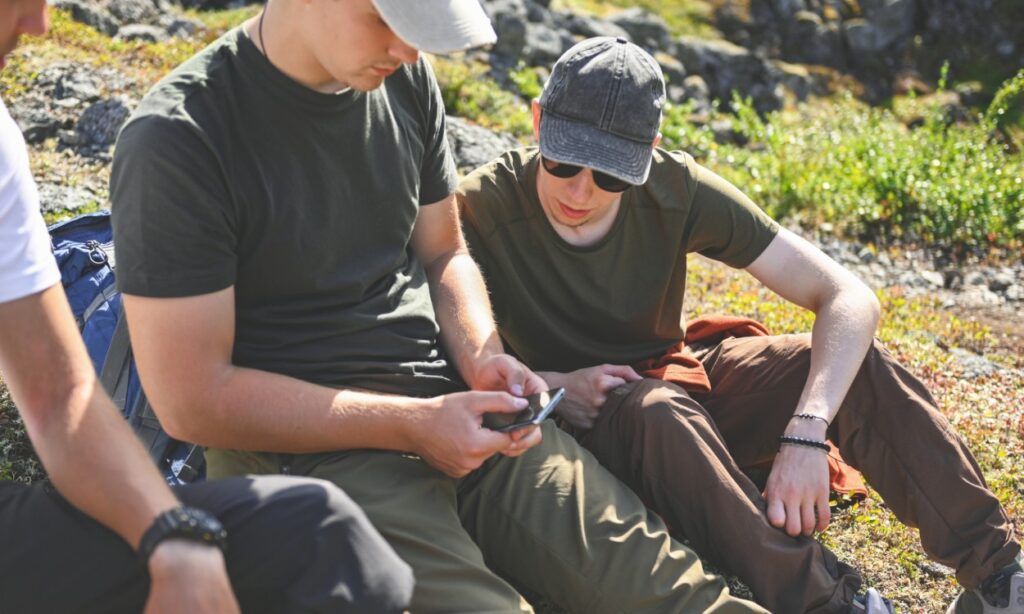
A compass, fire starter, first-aid kit and practical outdoor skills will always form the foundation of a good survival kit. In fact, any of these items is by definition a form of technology. And new technology cannot replace any of them. But as a prepper, using technology for preparedness can provide earlier warnings, improve communication, and put valuable information within reach.
The key to incorporating new tools in preparedness is to build them in layers. Use technology for preparedness where it gives you another advantage, understanding where it can fail, and always keep a dependable backup.
One of my first attempts at newer technology was in the 90s using GPS tools to click in where I was for future reference. I was also on some remote river rafting trips where our lead used satellite systems to predict weather and wind. It was invaluable, motivating us to get on the water at 6:30 am to get off the river before afternoon winds at 2 pm. Exactly as he predicted.
Use Technology to Get Emergency Warnings Earlier
Here’s the thing: One of the most valuable things technology can give you is time.
An early warning about a wildfire, severe storm, flash flood or evacuation order allows you to make decisions before roads become crowded and conditions deteriorate. Many prepared households already have food, water and emergency supplies stored away. Fewer have taken a few minutes to configure the free alert systems already available on their phones.
Start with several official sources:
- Wireless Emergency Alerts, or WEAs, deliver short emergency messages from authorized government agencies to compatible cell phones in a targeted area. You do not need to subscribe, but you should check your phone settings to make sure you have not disabled them.
- The FEMA app provides National Weather Service weather and emergency alerts for as many as five locations. That can help you monitor conditions near your home, workplace, hunting property or family members.
- A NOAA Weather Radio receives continuous weather information directly from the National Weather Service. A battery-powered or hand-crank model remains useful when internet service fails.
Scanner apps and services such as Broadcastify can also provide information from participating public-safety radio feeds. They may help you understand what responders are seeing locally before the full story reaches television or online news.
However, online scanner feeds require internet access (or cellular hotspot) and may experience delays or go offline during an emergency. Treat them as an additional information source, not an official instruction channel.
Technology Preparedness: Build More Than One Way to Communicate
Cell phones work well until too many people try to use them at once, or until power, fiber connections and the towers all fail.
Hurricane Helene demonstrated how quickly that can happen. On September 28, 2024, the Federal Communications Commission reported that 74.3% of cell sites in the affected areas of North Carolina were out of service. Many outages resulted from power loss or damaged connections rather than direct damage to the towers themselves.
Your preparedness technology and communication plan should not depend on one device, app or network.
Meshtastic and LoRa Radios
Meshtastic is an open-source communication system that uses small, relatively inexpensive LoRa radios. LoRa means “long range.” The technology sends small amounts of information (primarily text messages) over long distances while using very little battery power.
A Meshtastic device usually connects to your phone through Bluetooth. Your phone provides the familiar screen and keyboard, while the LoRa radio sends the message without using a cellular network or the internet. Multiple radios can form a mesh, allowing messages to travel through other devices to reach farther away.
Actual range depends heavily on terrain, antennas, device placement and the number of active radios. Mountains, thick timber and buildings can reduce performance. Every member of your group also needs compatible, properly configured equipment. Buy it, set it up and test it along your real routes before relying on it.
Zello Push-to-Talk
Zello turns a smartphone into a push-to-talk radio. You press a button, speak and send a short voice message to an individual or group.
It works well for coordinating people when cellular data or Wi-Fi remains available. However, Zello does not create an off-grid radio network. If both cellular service and Wi-Fi disappear, Zello cannot carry your messages. It provides another communication layer, but it does not replace a two-way radio or LoRa device.
Offline Maps
Your phone’s GPS receiver can determine your location without cell service, but your mapping app may not display useful terrain or road information unless you downloaded the maps in advance.
Apps such as Gaia GPS and MAPS.ME allow users to save maps for offline use. Download the areas around your home, common travel routes, campsites and evacuation alternatives. Then place the phone in airplane mode and make sure the maps, routes and waypoints still work.
Carry a paper map and compass, too. A downloaded map cannot help when your phone is lost, broken, frozen or out of power.
A VPN for Private, Safer Connections
Public Wi-Fi may become tempting when cellular networks are unreliable. Unfortunately, you may not know who operates a network or whether it is properly secured.
PRIVACY– A virtual private network, or VPN, encrypts the internet traffic traveling between your device and the VPN service. Using a VPN Phone can provide an additional security layer when you connect through a hotel, airport, coffee shop or other unfamiliar Wi-Fi networks.
This may be your best preparedness technology plan as a basic OPSEC measure. OPSEC means operational security – the practice of protecting information that could reveal your activities, location or plans.
A VPN does not make you anonymous, secure every app or protect information after it reaches its destination. It also cannot provide a connection where none exists. Use it as one part of good digital security alongside strong passwords, updated software and careful judgment about what you send.
Carry Knowledge You Can Access Without the Internet
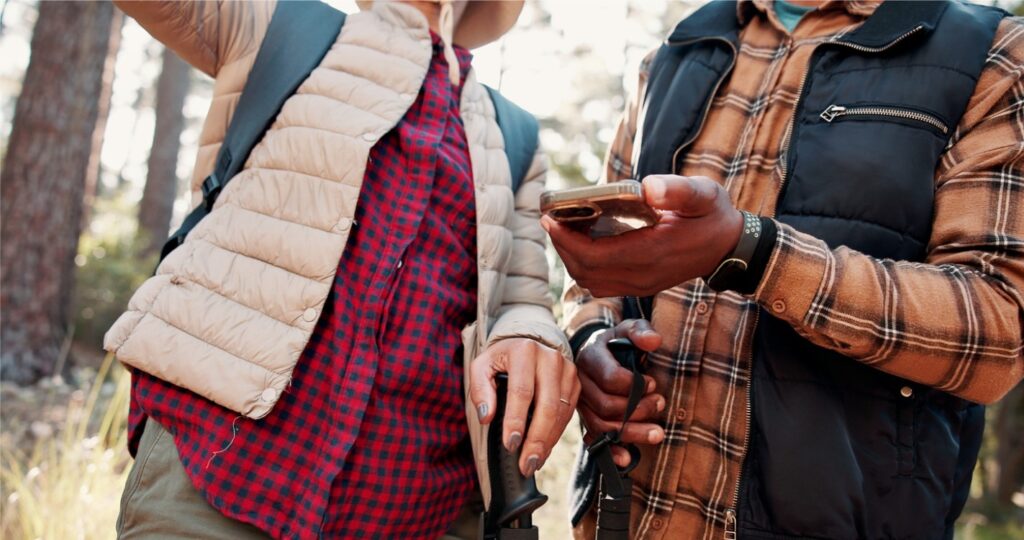
Most people carry a smartphone, but many of its useful features depend on cellular service or an internet connection. You can prepare for a loss of service by downloading maps, manuals, medical references and other important information directly onto an old phone or rugged tablet.
Once saved on the device, these resources remain available offline, without cellular service, Wi-Fi, or a VPN.
Save practical information directly on the device, including:
- First-aid and medical references
- Survival and equipment manuals
- Local and regional maps
- Emergency contact information
- Family communication plans
- Vehicle and generator manuals
- Plant and wildlife references
- Important documents and insurance information
KIWIX provides another option. The free Kiwix app allows you to download and browse large collections of information without an internet connection. Available content includes Wikipedia and offline medical references.
Do not assume that downloading a file means you can open it. Test every document and app in airplane mode. Protect sensitive documents with device encryption and a strong passcode.
A cheap spare phone can become a valuable preparedness tool even without an active cellular plan. Load it with maps and references, place it in a protective case and store it with the correct charging cable. Update its content and software periodically.
Preloaded knowledge is another type of supply. You may never remember every first-aid procedure, radio setting or equipment specification, but you can make the information available when you need it.
Understand Where Technology Will Let You Down
Every electronic device has limitations.
Batteries eventually die. Cold weather can drain them faster, while heat may damage them. Carry charged power banks and cables that fit your equipment. A portable solar panel may help during a longer disruption, but test its real charging performance before adding it to your plan. Small hand-crank chargers typically require considerable effort to produce limited power, so consider them an emergency backup rather than your main charging method.
Networks also fail. An app that requires a signal has a hard limit, no matter how useful it seems during normal conditions. Keep printed instructions, paper maps and written contact information available.
Some preppers also protect small electronics against an electromagnetic pulse or severe solar event. A properly designed and tested Faraday bag or enclosure may add protection for radios, spare phones and storage devices. It does not guarantee that equipment will survive every event, and it should never replace more likely preparations such as backup power and offline navigation.
Most importantly, unfamiliar technology can become dead weight.
If you have not used a tool before an emergency, you may not remember a password, know how to find a downloaded map or realize that two radios use different settings. Practice with every device just as you practice starting a fire, navigating with a compass or using your first-aid supplies.
Technology works as a force multiplier for someone who already has knowledge and practical skills. It does not work the other way around.
Give Your Preparedness Technology a Field Test
The right technology can sharpen your outdoor preparedness by delivering earlier warnings, providing additional communication options and placing useful knowledge at your fingertips. But every device and app must earn its place in your kit.
Conduct a simple technology audit:
- Are your emergency alerts enabled and configured?
- Have you downloaded offline maps for your area and travel routes?
- Can you open your saved maps and documents in airplane mode?
- Have you built an offline reference library?
- Do you have backup power and the correct charging cables?
- Does your communication group use compatible equipment and settings?
- Have you practiced with every tool under realistic outdoor conditions?
- Do you have a non-electronic backup when technology fails?
Tested technology can improve a sound preparedness plan. Untested technology only creates a false sense of security.
Resources used for this article: checked against current guidance and documentation from the National Weather Service, FEMA, FCC Hurricane Helene report, Meshtastic and Kiwix.